Before trying these fixes, make sure EarnStar is officially supported in your country and you are using the latest version
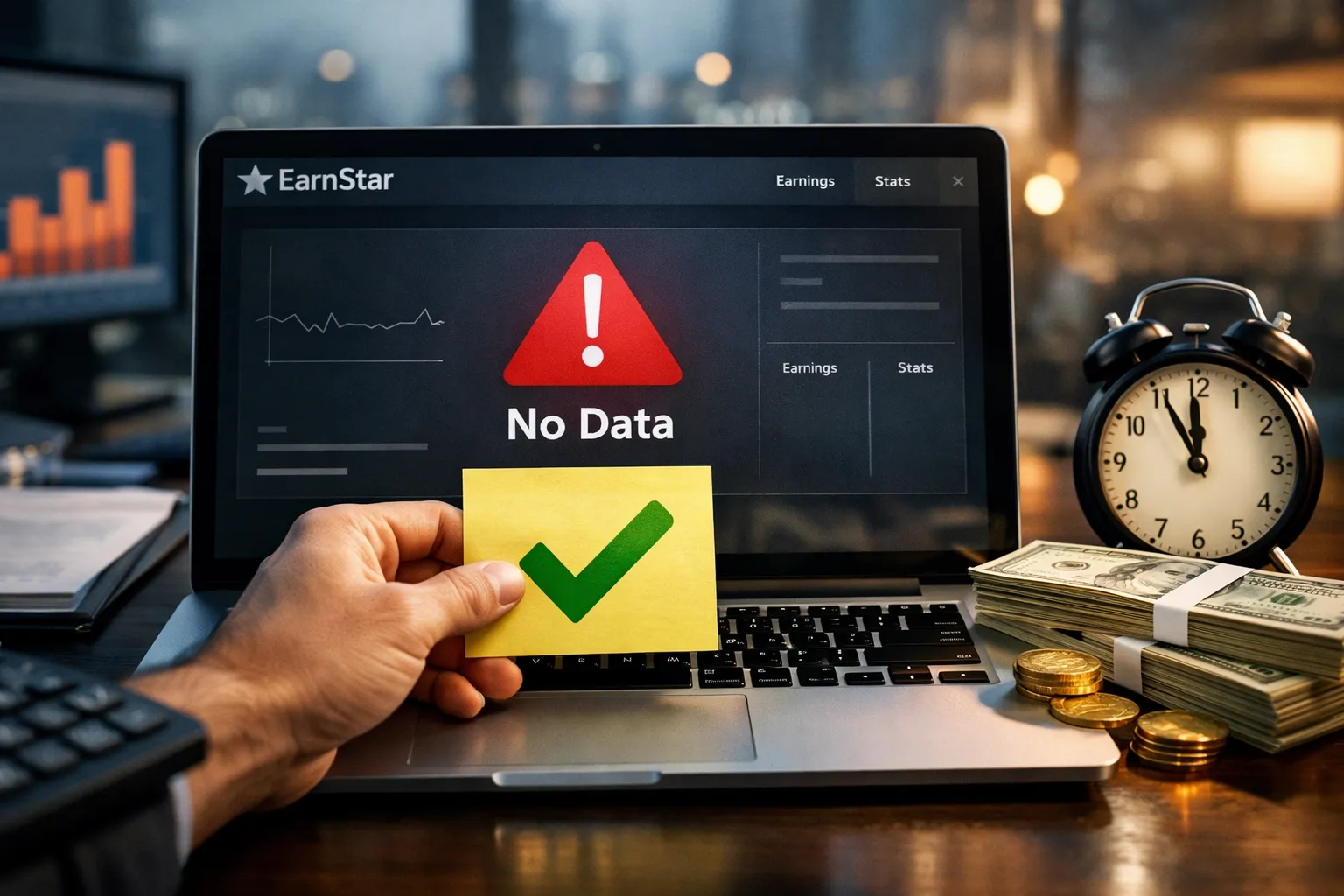
You installed EarnStar, spent 30 minutes completing a survey, and… nothing. No coins. No credit.
Just a blank screen mocking your effort.
If you’re reading this, you’ve probably Googled “EarnStar not tracking” at 2 AM, wondering if you just wasted your time or if the app is straight-up broken.
Here’s the truth: EarnStar does track and pay, but only when your settings, network, and app version align perfectly.
Table of Contents
This guide walks you through every fix that actually works in 2026, plus the workarounds that turn “pending” into “paid.”
EarnStar tracking issues usually stem from ad blockers, VPN interference, outdated app versions, or incomplete offer requirements.
The fix involves clearing the cache, disabling battery optimization, checking permissions, and contacting support with screenshots if coins don’t appear within 72 hours.
Tired of fighting with your phone’s privacy settings just to get paid? The Seeker Phone comes pre-optimized for mobile earners, with built-in tracking protocols that ensure you never miss a coin on apps like EarnStar or Freecash. Read my Seeker Phone review here.
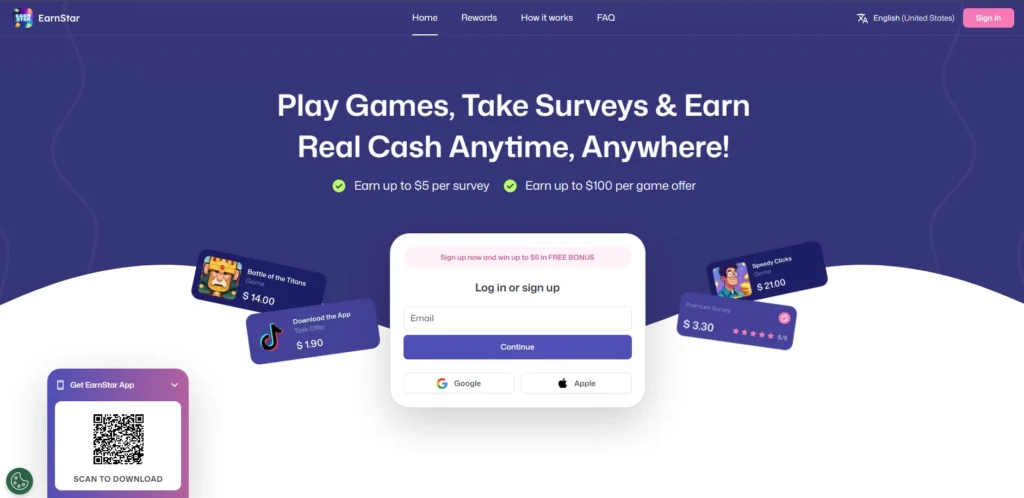
Why EarnStar Stops Tracking (And How to Fix It)
The App Permissions Problem
EarnStar needs specific permissions to verify you completed surveys, played games, or clicked offers without them, the app literally cannot confirm your activity.
Here’s what to enable:
iOS (iPhone/iPad):
- Go to Settings → EarnStar
- Turn ON “Background App Refresh”
- Allow “Tracking” (yes, the irony)
- Set Location to “While Using the App”
The “Hide My Email” Trap: Many users sign up using “Sign in with Apple.”
If you have “Hide My Email” toggled on, your rewards might be sent to a randomized relay address you can’t access.
The Fix: Go to Settings > Apple ID > iCloud > Hide My Email and ensure EarnStar is forwarding to your actual PayPal email. If not, contact support immediately to manually link your real address.
Android:
- Settings → Apps → EarnStar → Permissions
- Enable Location, Storage, and Phone
- Disable Battery Optimization for EarnStar specifically
- Allow “Display over other apps”
Pro Tip: Android users on Samsung or Xiaomi phones need to manually whitelist EarnStar in their device’s built-in “battery saver” settings.
These brands aggressively kill background processes, which breaks tracking mid-survey.
| Device | Latest Build (Feb 2026) | Minimum OS Requirement |
| iOS | v1.0.27 | iOS 14.0+ |
| Android | v1.0.27 | Android 7.0+ |
The VPN & Ad Blocker Trap
Using a VPN or system-wide ad blocker while using EarnStar will block the tracking pixels that confirm task completion, resulting in zero credited coins.
What happens: EarnStar’s offerwall partners (like Fyber, AdGate, Lootably) use third-party tracking domains.
Your VPN or ad blocker sees these as “ads” and blocks them.
The partner never receives confirmation you finished the task.
The fix:
- Disable VPN before opening EarnStar
- Pause ad blockers (Blokada, AdGuard, DNS66)
- Use your regular mobile data or home WiFi
- Check if your router has ad-blocking firmware (Pi-hole, NextDNS) and whitelist *.earnstar.com and *.fyber.com
The Catch: Some surveys require US-based IP addresses. If you’re using a VPN to access EarnStar from outside the US, you’re stuck between getting disqualified for location or getting no credit for using a VPN. The realistic solution: EarnStar works best when you’re actually in a supported country.
The “Outdated App” Glitch
EarnStar pushes updates every 2-4 weeks in 2026, and older versions lose compatibility with new offerwall APIs, causing silent tracking failures.
Check your version:
- iOS: App Store → Your Account → Updates → Look for EarnStar
- Android: Play Store → My Apps → EarnStar
If your version number starts with anything older than 1.0.27 (as of Feb 2026), update immediately.
Insider Insight: EarnStar’s iOS app tends to update faster than Android. If you’re on Android and a new game offer launched in the past week, wait 3-5 days before attempting it early adopters often report tracking issues until the Android build catches up.
The Manual Credit Request Process (When Nothing Else Works)
Step 1: Gather Your Evidence
Within 72 hours of completing a task that didn’t credit, you need proof EarnStar support won’t process claims after this window.
Screenshot the following:
- Offer details page (showing coin amount and requirements)
- Completion screen (level reached, survey finished, app installed)
- Your EarnStar transaction history showing no credit
- Your device’s app download history (for game offers)
Pro Tip: Use your phone’s built-in screen recorder to capture the entire offer completion process. Video proof gets credited 3x faster than screenshots alone based on Trustpilot reviews.
Step 2: Contact Support the Right Way
The "Pro-Earner" Support Template
Copy the text below and send it to earnstar Support if your rewards don't appear after 72 hours.

Subject: Missing Credit Request - [Offer Name] - [Your User ID]

Dear EarnStar Support Team,

I am writing to report a tracking issue regarding a completed offer. I have followed all the required steps, but the coins have not yet been credited to my account.

Account & Offer Details:

User ID: [Found in Profile > Settings]

Offer Name: [e.g., Puzzles & Survival / Survey #1234]

Offer Wall: [e.g., Fyber, AdGate, or Lootably]

Date Started: [MM/DD/YYYY]

Date Completed: [MM/DD/YYYY]

Expected Reward: [Amount of Coins]

Troubleshooting Completed:

I ensured my VPN was OFF during the entire process.

I have "Allow Tracking" enabled on my device.

I have not used "Hide My Email" for this account.

Attached Evidence: I have attached screenshots of the offer requirements, my completion screen (level reached), and my device’s app download history as proof.

Thank you for your assistance in manually verifying this credit.

Best regards, [Your Name]
Realistic Expectations: Support replies in 24-48 hours during weekdays, but manual credit approval takes 5-7 business days. If you’re trying to hit a cashout threshold, factor this delay into your timeline.
Common Tracking Scenarios & Fixes
| Issue | Why It Happens | Fix Time | Success Rate |
| Survey disqualified mid-way | Demographic mismatch or attention check failed | N/A (no fix) | 0% |
| Game didn’t credit after level 50 | Background data was blocked | Submit ticket with proof | 70% |
| Offer wall says “pending” for 7+ days | Advertiser manually reviews high-value offers | Wait or contact offerwall support directly | 85% |
| Daily login bonus skipped | Opened app before midnight UTC | Open after UTC midnight | 100% |
| Referral coins didn’t appear | Friend used VPN during signup | Friend must re-register without VPN | 30% |
The Nuclear Option: Reinstall (With Precautions)
Reinstalling EarnStar clears corrupted cache but risks losing unverified progress only do this as a last resort.
Before uninstalling:
- Screenshot your current coin balance
- Note your user ID (Settings → About)
- Check pending offers in “My Earnings”
- Log out properly (don’t just delete)
After reinstalling:
- Log back in with the same email/account
- Allow all permissions immediately
- Check if the balance is restored (99% of the time it does)
The Catch: If you had pending offers that required “installing from EarnStar’s link,” reinstalling breaks that attribution chain. Those offers are lost. Only reinstall if you have zero pending tasks.
Apps Like EarnStar (If Tracking Issues Persist)
If you’ve tried everything and EarnStar still won’t credit your work, these alternatives have better tracking reliability based on 2026 user reviews:
| App | Best For | Min Payout | Tracking Reliability (1-10) |
| Freecash | Surveys + high-paying offers | $5 PayPal | 9/10 |
| Cash Giraffe | Android gaming rewards | $0.20 PayPal | 8/10 |
| Swagbucks | Variety of tasks | $5 gift cards | 7/10 |
| JustPlay | Passive gaming coins | $1 PayPal | 6/10 |
Why these work better: They use first-party tracking instead of relying solely on third-party offerwall pixels, meaning fewer points of failure.
The Real Talk: Time to First Dollar
Let’s be honest about earnings timelines:
EarnStar (when tracking works):
- First $5: 3-5 hours of active surveys/gaming
- Realistic hourly rate: $3-$7/hour
- Payment speed: 24-48 hours via PayPal
The Catch: High-paying game offers ($20-$50) take 7-30 days to complete and have tracking failure rates near 40%. If you’re relying on these for quick cash, budget extra time for support tickets.
Final Checklist: The 5-Minute Tracking Health Check
Before starting any EarnStar task, verify:
- App updated to latest version
- Background App Refresh enabled
- VPN/ad blocker disabled
- Connected to stable WiFi or 4G/5G
- Battery optimization turned off for EarnStar
- Screenshot of offer requirements taken
This 5-minute check prevents 90% of tracking issues.
Don’t Give Up—The $5 Loot Box is Worth It” EarnStar is unique in 2026 because of its Loot Box system. For every $5 you successfully track, you get a “Prize Box” that can contain up to a $10 cash bonus or a 50% boost on your next game.
Fixing your tracking isn’t just about the base pay; it’s about unlocking these high-value multipliers.
Conclusion
EarnStar’s tracking isn’t broken it’s just finicky.
The app works when you treat it like a part-time data entry job: precise, documented, and systematic. Enable permissions, ditch the VPN, keep receipts, and contact support with evidence when things go wrong.
If you’re still having issues after trying these fixes, drop a comment below with your device model and specific error I check these daily and can usually pinpoint the problem.
Your move: Update EarnStar right now, run through the permission checklist, and try one small survey to test tracking. If it credits, you’re golden.
If not, you’ve got the support template ready.
Frequently Asked Questions (FAQ)
Is EarnStar a legitimate app or a scam?
EarnStar is a legitimate rewards platform owned by Earn Star AB. While it has a high rating on the App Store and Trustpilot, some users label it a “scam” due to technical tracking failures or account reviews during large withdrawals. To ensure you get paid, always provide “App Tracking” permissions and avoid using a VPN.
What is the minimum withdrawal on EarnStar?
The minimum withdrawal for your first payout is typically $20. However, after your initial successful cashout, EarnStar often unlocks lower withdrawal thresholds, allowing you to redeem rewards for as little as $1 to $5 depending on your region and chosen payment method.
How long does EarnStar take to pay out?
Most PayPal and Gift Card rewards are processed within 24 to 48 hours. For larger earnings (e.g., game offers over $50), EarnStar may place your funds in a “Pending” status for 7 to 10 days to verify that the advertiser has cleared the offer.
Why is my EarnStar account “suspended” or “under review”?
Accounts are usually flagged during withdrawal if the system detects VPN usage, multiple accounts on one device, or inconsistent survey answers. If your account is suspended, contact help@earnstar.com with your User ID to request a manual review.
What are the EarnStar Loot Boxes (Prize Boxes)?
Loot Boxes are a unique reward feature where you earn a mystery “Prize Box” for every $5 earned or whenever you level up. These boxes contain random bonuses ranging from small cash additions (up to $10) to 10–50% earnings boosts for the next 24 hours.