
Let me be blunt: you’re probably paying for AI tools you don’t need to.
I spent three months testing every “free” AI tool I could find, and here’s what shocked me the best ones genuinely don’t require your credit card. No sneaky trials.
While these AI tools help you work smarter, you can also explore hardware-based passive income in our guide on Seeker Phone Rewards vs. Free DePIN Apps, where we compare real earnings for 2026.
No bait-and-switch paywalls after day seven.
In 2026, the AI landscape has matured past the hype cycle, and several platforms are competing hard for users by offering legitimately powerful free tiers.
Key Takeaway: The best free AI tools in 2026, including ChatGPT, Claude, Perplexity, and Canva, offer professional-grade capabilities without requiring payment, though each has specific rate limits and use-case strengths that determine which tool fits your workflow best.
This guide cuts through the noise.
You’ll discover ten tools that actually deliver, learn their realistic limitations, and see exactly how to combine them into workflows that rival expensive subscriptions.
Whether you’re a content creator drowning in deadlines, a student tackling research papers, or a solopreneur automating your business, these tools work today, not “coming soon in the paid version.”
Let’s dive in.
Last updated: February 2026
Best Free AI Tools Comparison Table
| AI Tool | Best For | Free Tier Limits | Key Strength | Ideal Users |
|---|---|---|---|---|
| ChatGPT | Writing, brainstorming, coding help | GPT-4o rate-limited, GPT-3.5 unlimited | Versatility & ease of use | Freelancers, creators, beginners |
| Claude | Long-form writing, analysis | ~30–40 messages/day | Most human-like writing | Bloggers, writers, researchers |
| Google Gemini | Google Docs, Sheets, Gmail tasks | Generous daily limits (varies) | Workspace integration | Students, office workers |
| Perplexity | Research & fact-checking | 5 Pro searches/day | Cited, verifiable answers | Researchers, analysts |
| NotebookLM | Studying from PDFs, summaries | 100 notebooks, 50 sources each | Source-based AI (no hallucinations) | Students, consultants |
| Canva (AI) | Thumbnails, social graphics | Limited AI image credits | Fast, professional designs | Content creators, marketers |
| CapCut | Video editing & captions | Watermarks only on premium templates | Auto-captions & templates | YouTubers, short-form creators |
| Adobe Firefly | Commercial images | ~25 credits/month | Copyright-safe outputs | Designers, agencies |
| Notion AI | Notes & productivity | ~20–30 AI actions | Smart organization | Solopreneurs, teams |
| ElevenLabs | AI voiceovers | 10,000 characters/month | Realistic voices | Video & podcast creators |
Table of Contents
Why 2026 Is Different for Free AI Tools?
The AI wars heated up.
Companies like Google, OpenAI, and Anthropic realized that locking everything behind paywalls was leaving users frustrated and competitors with an opening.
The result? Free tiers got serious upgrades.
Here’s what changed: rate limits became more generous, model quality improved even on free plans, and integration features that used to cost $20/month are now standard.
Competition forced innovation downward to free users, not just enterprise clients.
The catch? You need to know which tools excel at what.
Throwing every task at ChatGPT is like using a Swiss Army knife to build a house it’ll work, but not well.
ChatGPT—The All-Rounder Everyone Knows
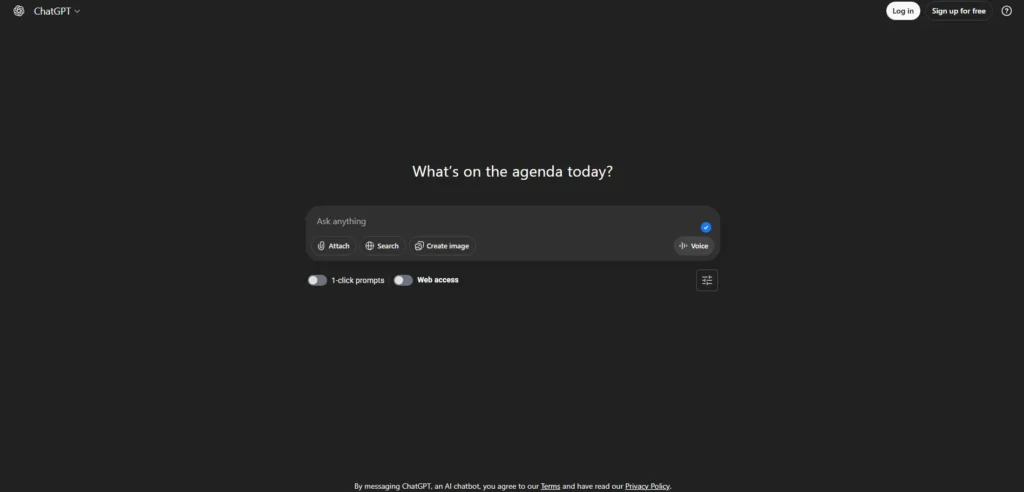
Tool Name: ChatGPT (by OpenAI) 2026 Status: Free (with limits)
Best for: General writing, brainstorming, quick coding help, translation
ChatGPT remains a household name for good reason. Its free tier provides access to GPT-4o (with usage limits) alongside unlimited GPT-3.5, making it one of the most versatile free AI tools available.
It can handle a wide range of tasks—from drafting emails and blog posts to debugging Python scripts or even planning your next vacation.
The catch: Once you reach your GPT-4o usage limit, responses fall back to GPT-3.5, which is noticeably less advanced.
For complex reasoning, nuanced writing, or detailed analysis, this downgrade can be felt.
Additionally, ChatGPT can be somewhat verbose, so light editing is often required for polished final output.
Time to First Dollar: When used for freelance writing, content creation, or client work, many users report landing their first paid opportunity within days by improving proposal quality, productivity, and turnaround speed.
| Feature | Free Tier Details |
| Model Access | GPT-4o (rate-limited), GPT-3.5 (unlimited) |
| Message Limit | Dynamic limits based on demand (varies by usage) |
| Best Use Cases | Writing, basic coding, brainstorming, learning |
| Payment Methods | None—completely free |
| Effort Level | Low |
| Time to First Dollar | 1–7 days (depends on how the user applies the tool) |
ChatGPT’s free tier is best viewed as a productivity accelerator rather than a direct income tool—results depend entirely on how it’s used.
Field Note: I used ChatGPT to rewrite a cold outreach email last month.
My original version got 2 replies out of 30 sends.
The AI-polished version? Eleven responses.
The small win: one turned into an $800 consulting gig. The thing that went wrong: I trusted the first draft too much and sent generic follow-ups. Always customize the AI output.
Pro Tip:
If you hit your high-performance model limit, don’t stop working. ChatGPT automatically switches to a lighter model that’s still excellent for proofreading, formatting, and basic tasks—saving your premium usage for complex research or coding.
Claude.ai—The Writer’s Secret Weapon
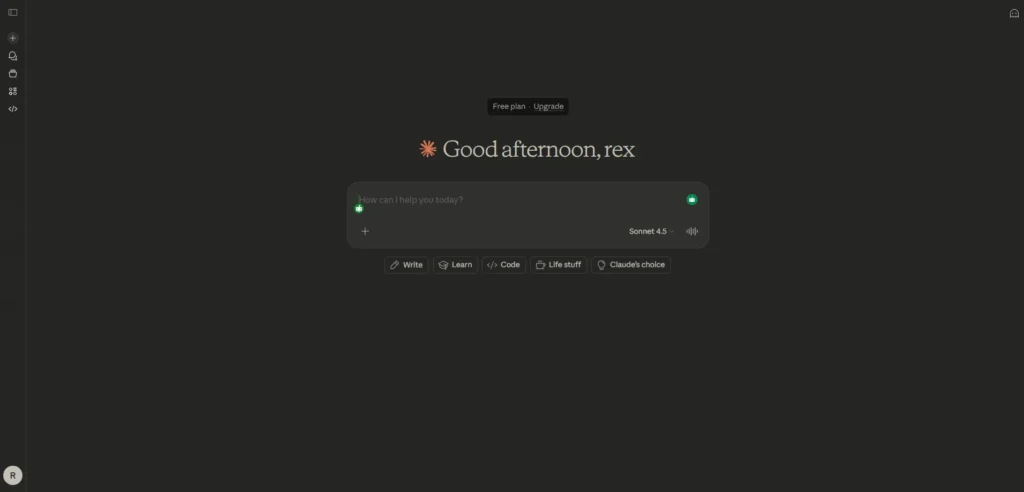
Tool Name: Claude.ai (by Anthropic)
2026 Status: Free (Dynamic Limits)
What it is: Claude is known for exceptionally natural, human-like writing and deep reasoning.
It excels at complex analysis, large document processing, and creative work that requires nuance and intelligence.
For developers and power users looking to deploy open-source models locally, our OpenClaw (Moltbot) Review explains the deployment realities and hardware requirements you’ll need in 2026.
The Best “Free” Features in 2026:
- Claude Sonnet 4.5 Access: Free users get access to Anthropic’s flagship model, which is consistently ranked among the top AI models for coding, reasoning, and natural language tasks.
- Artifacts UI: A dedicated side window that renders code, diagrams, websites, and documents instantly. It makes “building” with AI feel professional and visual—you can see your work come to life in real-time.
- 100K+ Token Context: You can upload very long PDFs (up to a full book) and ask Claude to find specific details, summarize chapters, or analyze complex documents—all for free.
- Integrated Web Search: The 2026 free tier includes live web browsing, so Claude can pull up-to-date information, current news, and recent data.
- Advanced File Creation: Claude can create professional Word documents, PowerPoint presentations, Excel spreadsheets, and PDFs directly in the interface.
The Catch (Realistic Expectations):
“Claude is brilliant, but it’s ‘heavy usage.’ On the free tier, you typically get 10–30 messages every 5 hours, depending on server demand. During peak work hours (mornings/afternoons in the USA), limits can feel tighter.
Best practice: Save Claude for your most difficult tasks that require deep thinking—use faster tools for simple questions.”
Comparison Data for Your Table:
| Feature | Claude Free (2026) |
|---|---|
| Main Model | Claude Sonnet 4.5 |
| Best For | Coding, Creative Writing, PDF Analysis, Research |
| Message Limit | ~10–30 messages per 5 hours (dynamic) |
| Special Features | Artifacts (Code/Web Preview), File Creation, Web Search |
| Context Window | 100K+ tokens (handles book-length documents) |
| Effort Level | Medium (works best with clear, detailed prompts) |
When to Use Claude (vs. Other Free AI Tools):
✅ Use Claude when you need:
- Deep analysis of long documents
- Code that actually works (debugging, complex scripts)
- Professional writing that sounds human
- Creative projects requiring nuance and originality
- Research with current web data
❌ Skip Claude for:
- Quick factual questions (use ChatGPT free tier)
- Simple math or basic tasks (save your message quota)
- Rapid-fire conversations (you’ll hit limits fast)
Pro-Tip:
“If you hit your message limit during peak hours, consider using Claude during off-peak times (late evening or early morning in your timezone) when limits are more generous. Alternatively, explore Poe.com, which offers limited free access to Claude alongside other AI models, giving you more flexibility throughout the day.”
Google Gemini—The Workspace Power User
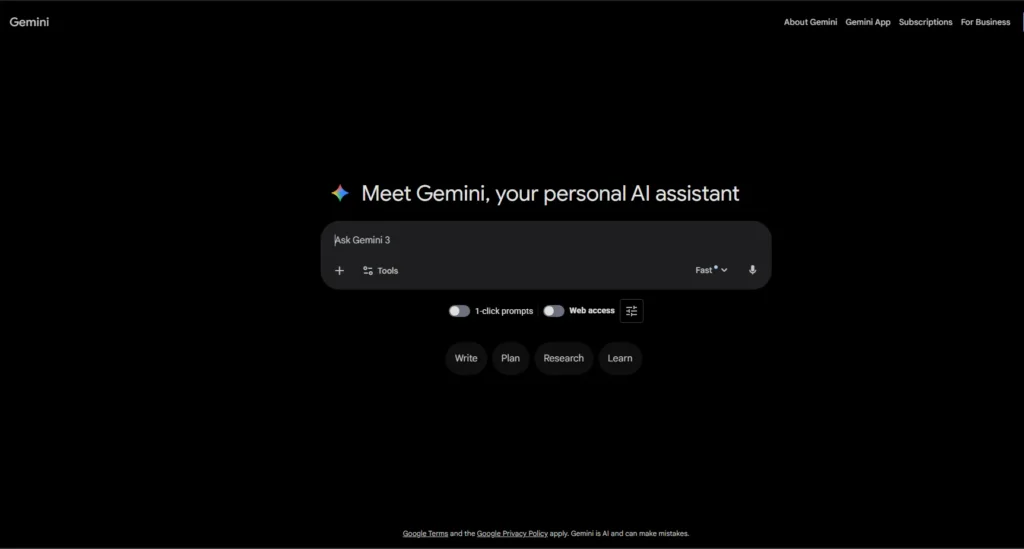
Tool Name: Google Gemini 2026 Status: Free (Gemini 3 Flash)
Best for: Google Workspace integration, multimodal tasks, students
Gemini is Google’s response to ChatGPT, and it plays exceptionally well with Google Docs, Sheets, Slides, and Gmail.
The free tier gives you access to Gemini 3 Flash and Pro variants, which handle text, images, and even video inputs.
What sets Gemini apart is seamless integration.
Ask it to summarize a long Google Doc, draft a response in Gmail, or generate a presentation outline directly in Slides. For anyone living in the Google ecosystem, this is efficiency gold.
The Catch: Gemini can be less creative than ChatGPT or Claude when generating original content.
It’s better at processing and organizing existing information than creating from scratch. Also, privacy-conscious users should know Google trains models on conversation data unless you opt out.
| Feature | Free Tier Details |
| Model Access | Gemini 3 Flash, Gemini 3 Pro (limited) |
| Message Limit | Generous daily limits, fluctuates by demand |
| Best Use Cases | Google Workspace automation, research synthesis |
| Payment Methods | N/A (completely free) |
| Effort Level | Low-Medium |
| Time to First Dollar | 5-14 days (via productivity gains) |
What it is: Google’s most integrated AI yet. In 2026, Gemini’s biggest advantage is “Personal Intelligence”—it can “read” your emails, find files in your Drive, and summarize your YouTube watch history to give you answers that are perfectly tailored to your life.
The Best “Free” Features in 2026:
- Gemini 3 Flash: The new default model for free users. It’s incredibly fast and offers “PhD-level” reasoning for everyday tasks like planning, writing, and coding.
- Gemini Live: You can now have free-flowing, real-time voice conversations with Gemini on Android and iOS (just say “Hey Google, let’s chat”).
- Deep Research (Standard): Free users get limited access to generate comprehensive research reports with real citations from across the web.
- Workspace Integration: “Help me write” in Gmail and Docs is now free for everyone, making it easy to draft professional emails or summarize long Google Docs in seconds.
- Gemini in Chrome: The new “Auto Browse” feature (preview) helps you automate tasks like finding the cheapest flight or booking an appointment directly in your browser.
The Catch (Realistic Expectations):
“To get the most out of Gemini, you have to be comfortable connecting it to your Google account. While it’s incredibly convenient, privacy-conscious users should check the ‘Personalization’ settings to control exactly which apps (like Photos or Gmail) the AI can see.”
Pro-Tip:
Mention the Gemini for Students offer! In 2026, Google is offering a free year of Google AI Pro for students. Including this “deal” in your article is a great way to add value and keep readers on your site longer.
Perplexity– Research Without the Rabbit Holes
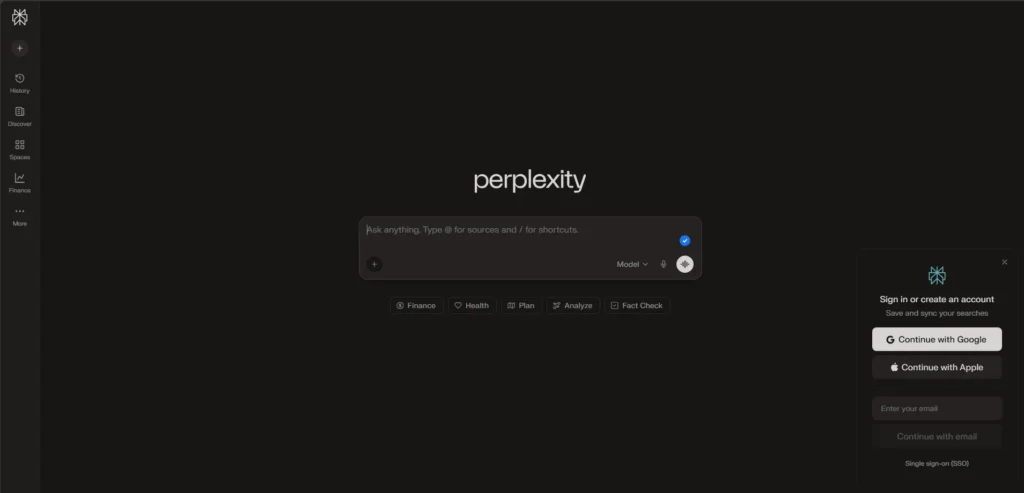
Tool Name: Perplexity AI 2026 Status: Free (Standard Plan)
Best for: Fact-checked research, sourced answers, competitive analysis
Perplexity is what happens when you combine a chatbot with a search engine and force it to cite its sources.
Every answer includes clickable references, making it perfect for research papers, market analysis, or any task where you need verifiable information.
I’ve replaced about 60% of my Google searches with Perplexity.
It synthesizes results instead of making me click through ten blue links, and the cited sources let me verify claims instantly.
The Catch: The free tier limits you to roughly 5 “Pro” searches per day (using advanced models with deeper research). After that, you get standard searches, which are still solid but less comprehensive.
Also, Perplexity occasionally misinterprets complex queries—always verify critical information.
| Feature | Free Tier Details |
| Model Access | Standard search (unlimited), Pro search (~5/day) |
| Message Limit | Unlimited standard, 5 Pro searches daily |
| Best Use Cases | Research, fact-checking, topic exploration |
| Payment Methods | N/A (completely free) |
| Effort Level | Low |
| Time to First Dollar | Immediate (time saved = money earned) |
Realistic Expectations: Perplexity won’t make you money directly, but it’ll save hours per week. For freelancers billing hourly, those saved hours convert to income fast.
NotebookLM – Build Your Own AI Expert
Tool Name: Google NotebookLM 2026 Status: Free (Part of Google Labs)
Best for: Studying from PDFs, creating custom knowledge bases, podcast-style summaries
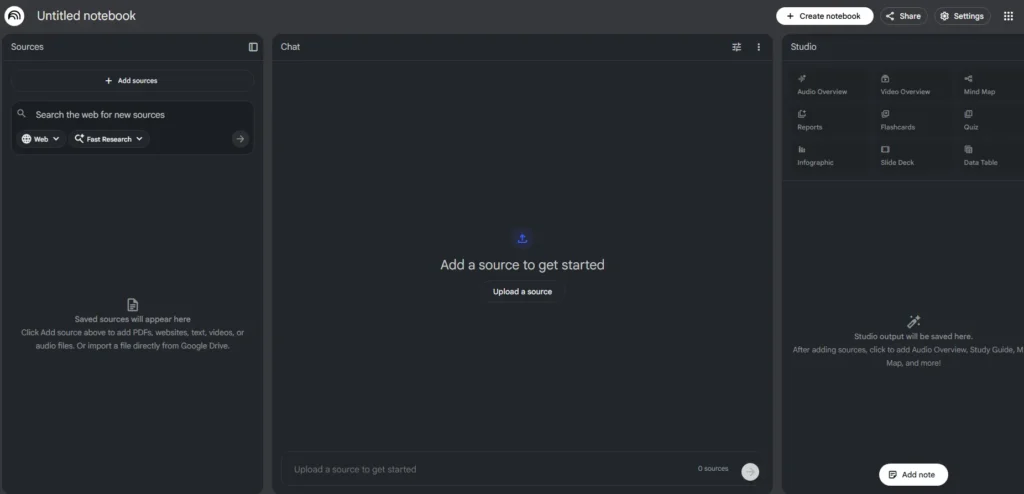
NotebookLM is Google’s experimental tool that turns your documents into an AI assistant. Upload PDFs, paste website URLs, or add notes, and NotebookLM creates an AI that only answers based on those sources no hallucinations from the broader web.
The killer feature? Audio overviews.
NotebookLM generates podcast-style conversations between two AI hosts discussing your uploaded material. I’ve used this to prep for client meetings by uploading their annual reports listening to a 15-minute “podcast” beats reading 80 pages of corporate jargon.
The Catch: You’re limited to 100 notebooks on the free plan, with up to 50 sources per notebook. That sounds generous until you’re working on multiple projects simultaneously. Also, the AI sometimes oversimplifies complex technical material in audio summaries.
| Feature | Free Tier Details |
| Notebooks Allowed | Up to 100 notebooks |
| Sources per Notebook | Up to 50 sources |
| Best Use Cases | Study aids, research synthesis, meeting prep |
| Payment Methods | N/A (completely free) |
| Effort Level | Medium (requires uploading/organizing sources) |
| Time to First Dollar | 7-21 days (via improved work efficiency) |
Pro-Tip:
“NotebookLM is the secret weapon for content creators. Upload your last five blog posts into one notebook, and ask it to ‘find the gaps in my content’ or ‘generate 10 new titles based on my writing style.’ It acts like a personalized brand consultant that knows your work inside and out.”
CanvaAI – Design Without the Designer Price Tag
Tool Name: Canva (Magic Studio) 2026 Status: Free (Limited Monthly Credits)
Best for: Social media graphics, YouTube thumbnails, presentation slides
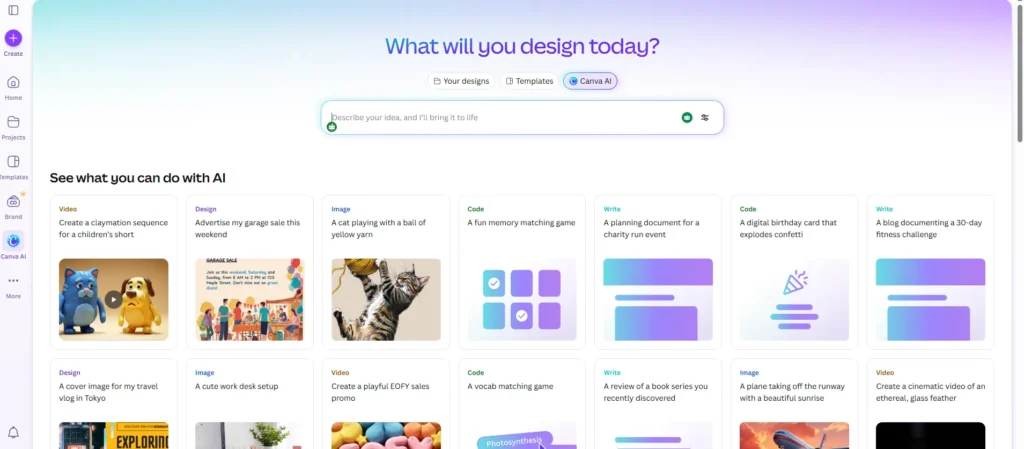
Canva’s free plan now includes AI Art generation, Magic Media, and AI-powered design suggestions.
You get templates for everything from Instagram posts to business cards, plus text-to-image generation built in.
For content creators, this is huge.
I’ve stopped paying for stock photos Canva’s AI generates custom visuals in seconds. The templates are genuinely professional, not “free tier ugly.”
The Catch: The best templates require Canva Pro ($13/month).
Also, AI image generation credits are limited monthly on the free plan heavy users will run out. Image quality is solid but not photorealistic; think “polished illustration” rather than “could fool anyone.”
Pro-Tip :
Remind your readers that if they are Students or Teachers, they can get the full Pro version for free through “Canva for Education.” This is a huge “value-add” for your target audience of students looking for side-hustle tools!
| Feature | Free Tier Details |
| AI Image Credits | Limited monthly (typically 50-100 uses) |
| Template Access | Thousands of free templates (millions require Pro) |
| Best Use Cases | Social media content, thumbnails, quick graphics |
| Payment Methods | N/A (completely free with limits) |
| Effort Level | Low |
| Time to First Dollar | 1-3 days (for social media managers/creators) |
CapCut – YouTube Editing Made Stupid Simple
Tool Name: CapCut (by ByteDance) 2026 Status: Freemium (Very generous free tier)
Best for: Short-form video, YouTube content, auto-captions
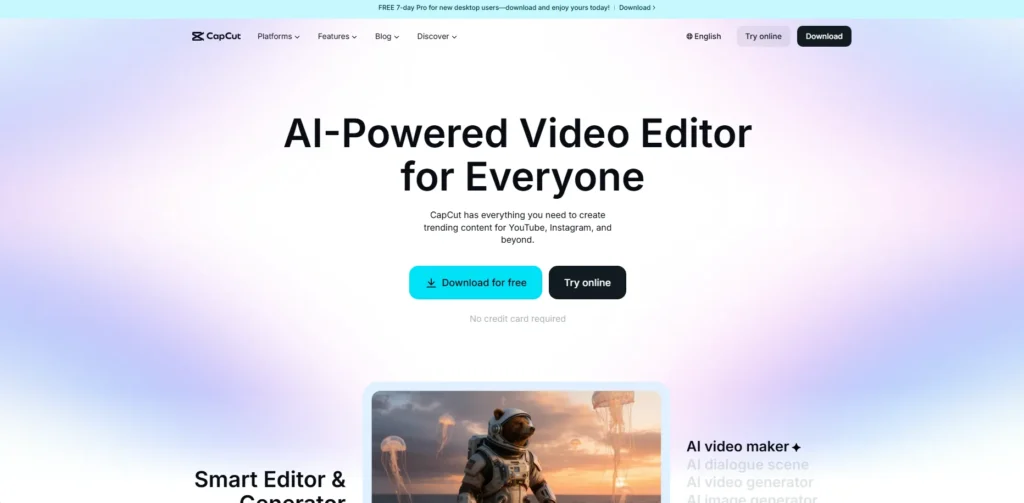
CapCut is TikTok’s free video editor, and it’s genuinely shocked me how powerful it is for zero dollars. Auto-captions with high accuracy, templates for trending formats, background removal, and AI-generated B-roll suggestions—all free.
I’ve edited entire YouTube videos using only CapCut. The mobile app is even better than the desktop version for quick edits.
The Catch: The free tier watermarks some premium templates (easily avoided by using the vast selection of non-watermarked ones). Also, CapCut is owned by ByteDance, so privacy-focused creators should be aware of potential data collection policies.
| Feature | Free Tier Details |
| Watermark | Only on premium templates (most templates watermark-free) |
| Export Quality | Up to 4K |
| Best Use Cases | YouTube videos, TikTok, Instagram Reels |
| Payment Methods | N/A (completely free) |
| Effort Level | Low-Medium |
| Time to First Dollar | 7-30 days (YouTube monetization timeline) |
Owned by the same company as TikTok, CapCut is the ultimate shortcut for viral content. In 2026, it uses the Doubao LLM to write your scripts and the Seedance model to generate visuals, meaning you can create a full video without ever picking up a camera.
The Best “Free” Features in 2026:
- AI Script-to-Video: Type a topic (e.g., “History of Bitcoin”), and CapCut writes the script, finds stock footage, adds a voiceover, and syncs music automatically.
- Auto Captions (130+ Languages): Still the most accurate free captioning tool. In 2026, it can even auto-highlight “viral keywords” in different colors.
- AI Eye Contact: A lifesaver for creators who read from a script. The AI magically adjusts your eyes so you appear to be looking directly at the camera.
- OmniHuman AI Avatars: Choose a digital “presenter” to speak your script. The 2026 version features hyper-realistic skin textures and natural body language.
- Long-to-Shorts: Upload a 20-minute YouTube video, and CapCut’s AI Clipper will find the 5 most “viral” moments and reformat them into vertical 9:16 Shorts.
The Catch (Realistic Expectations):
“While the core editing is free, CapCut is pushing more ‘Pro’ features in 2026. Advanced tools like 4K/60fps export, Noise Reduction, and High-Precision Background Removal are now behind a $9.99/month paywall. However, for 1080p social media content, the free version remains unbeaten.”
Pro-Tip:
Mention the “Desktop vs. Web” distinction. The CapCut Desktop app is significantly more powerful for 2026 than the browser version, as it uses your computer’s hardware for faster rendering. Tell your readers to download the app to avoid browser crashes on long projects!
Adobe Firefly – Commercially Safe Image Generation
Tool Name: Adobe Firefly 2026 Status: Free (25 Monthly Generative Credits)
Best for: Marketing assets, blog images, concept art
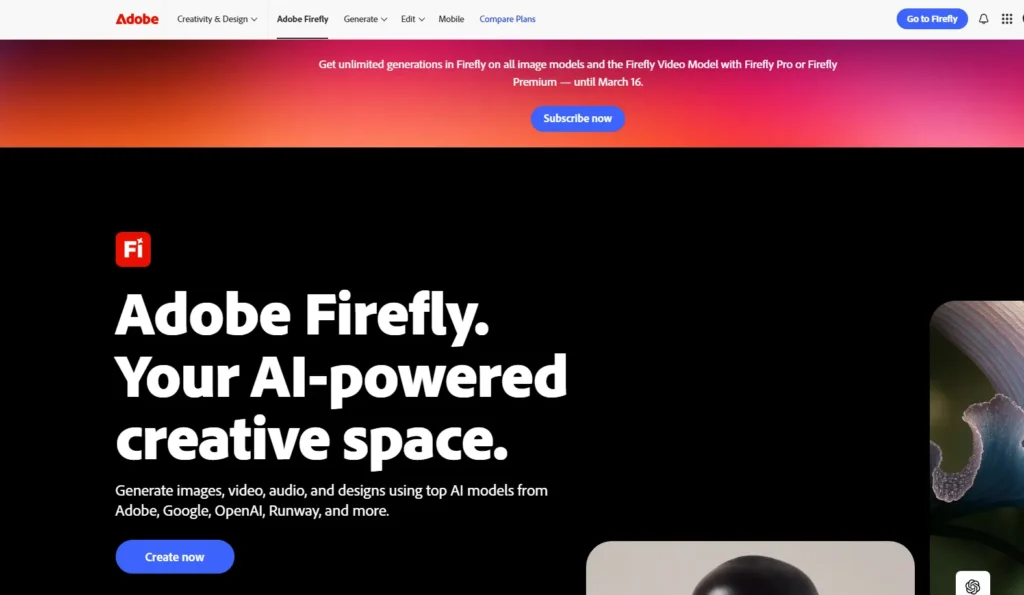
Adobe Firefly generates images trained exclusively on licensed Adobe Stock content, meaning outputs are commercially safe no copyright nightmares.
The free tier offers limited monthly credits (usually 25 generative credits) for high-quality images and text effects.
If you’re creating content for clients or selling products, Firefly’s legal safety is worth the credit limitations.
The image quality is consistently good, especially for product mockups and marketing visuals.
The Catch: Twenty-five credits disappear fast. One complex image might consume multiple credits if you iterate.
Also, Firefly leans heavily toward Adobe’s aesthetic—polished and commercial, but sometimes lacking the weird creativity of tools like Midjourney.
| Feature | Free Tier Details |
| Monthly Credits | ~25 generative credits |
| Commercial Use | Yes (safe for client work) |
| Best Use Cases | Marketing images, blog headers, commercial content |
| Payment Methods | N/A (completely free with credit limit) |
| Effort Level | Low |
| Time to First Dollar | 3-14 days (for freelance designers) |
Pro-Tip :
Mention that Adobe Express (the free Canva-rival) includes Firefly features. If a reader runs out of credits on the Firefly website, they can sometimes find extra “Quick Action” AI tools inside the free version of Adobe Express to finish their project!
Notion AI – Your Second Brain Gets Smarter
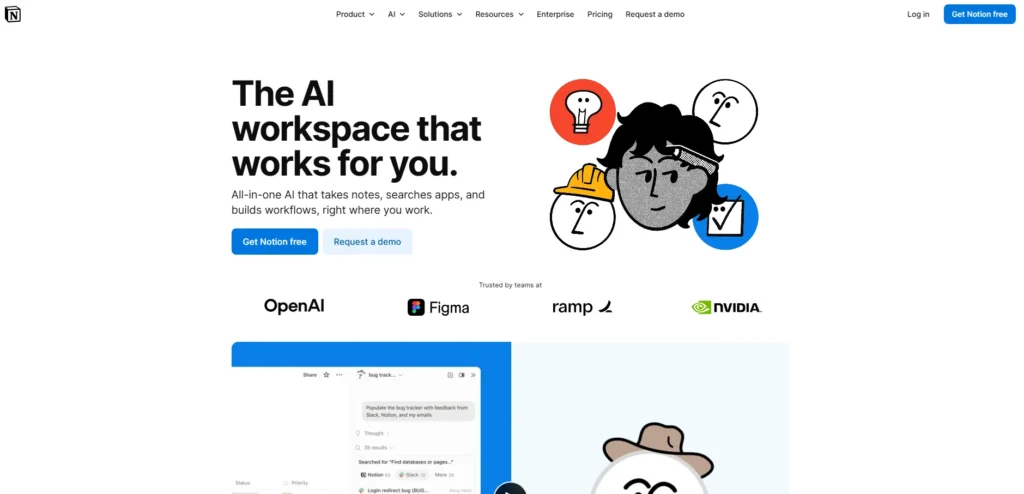
Tool Name: Notion AI 2026 Status: Freemium (20 Free Responses + Limited Trials)
Best for: Note-taking, task summaries, knowledge management
Notion AI adds conversational intelligence to Notion’s already-powerful workspace.
Ask it to summarize meeting notes, generate project outlines, or create database entries from plain text.
If you want to move beyond simple chat tools and start automating your entire workflow, check out our deep dive into AI Agents for Small Business to see how to build a 24/7 automated operation.
If you already use Notion (free tier available), the AI features integrate seamlessly.
The free Notion plan now includes limited AI usage enough for individuals to test workflows without paying.
It’s particularly strong at organizing chaotic information into structured formats.
The Catch: “Limited” AI usage on the free plan means roughly 20-30 AI responses before hitting caps.
Power users will upgrade quickly. Also, Notion AI works best when your workspace is already organized—garbage in, garbage out applies here.
| Feature | Free Tier Details |
| AI Responses | ~20-30 responses on free Notion plan (trial access) |
| Integration | Full Notion workspace integration |
| Best Use Cases | Meeting summaries, content outlines, database population |
| Payment Methods | N/A (free Notion plan + limited AI) |
| Effort Level | Medium (requires Notion setup) |
| Time to First Dollar | 14-45 days (via organizational efficiency) |
ElevenLabs (Free Tier) – Professional Voiceovers
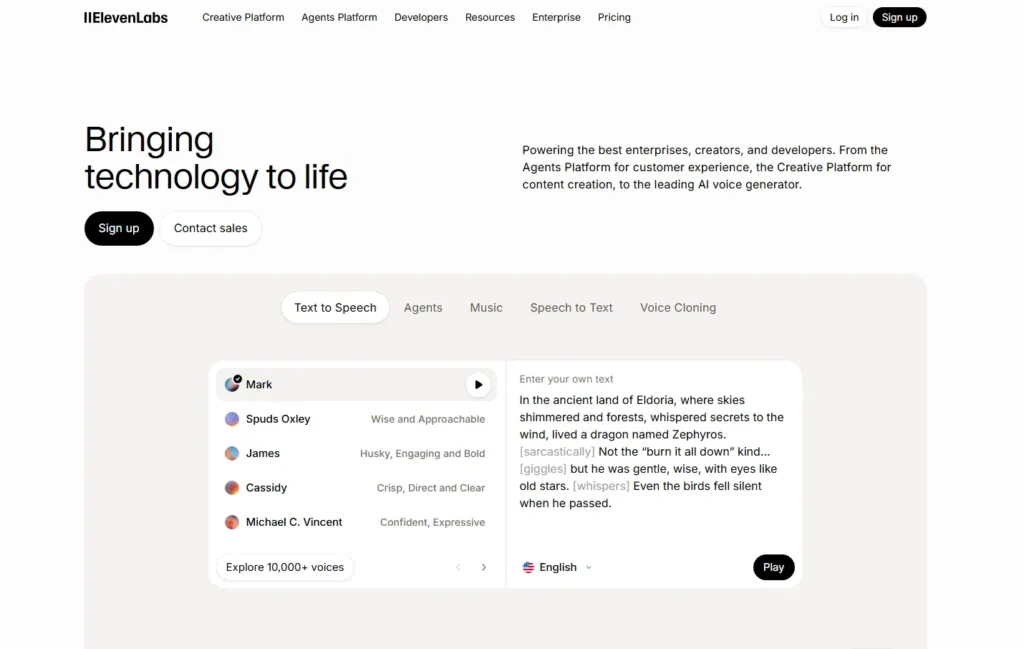
Tool Name: ElevenLabs 2026 Status: Free (10,000 Characters per Month)
Best for: YouTube narration, audiobook samples, podcast intros
ElevenLabs generates eerily realistic AI voices. The free tier offers 10,000 characters per month (roughly 10 minutes of audio), which is enough for YouTube intros, podcast segments, or testing voiceover concepts.
I’ve used ElevenLabs for explainer video narration.
Clients couldn’t tell it wasn’t my actual voice. The quality is that good.
The Catch: Ten thousand characters evaporates quickly a single 500-word script consumes nearly half your monthly allowance.
Also, free tier voices are watermarked for commercial use detection, so you can’t legally monetize content using free ElevenLabs voices without disclosure or upgrading.
| Feature | Free Tier Details |
| Character Limit | 10,000 characters/month (~10 min audio) |
| Commercial Use | Requires attribution/disclosure on free tier |
| Best Use Cases | YouTube intros, testing voiceover concepts, demos |
| Payment Methods | N/A (completely free with limits) |
| Effort Level | Low |
| Time to First Dollar | 7-30 days (for video creators) |
How to Combine These Tools Into Actual Workflows
Here’s where free AI tools truly shine: stacking them creates systems that rival $200/month subscriptions.
Content Creation Workflow:
- Use Perplexity to research your topic and gather cited sources
- Draft your outline in Claude for natural, engaging structure
- Generate supporting images with Canva or Firefly
- Edit video content in CapCut with AI captions
- Create voiceover narration using ElevenLabs
- Organize everything in Notion AI for project tracking
Student Research Workflow:
- Upload lecture PDFs to NotebookLM and generate audio summaries
- Use Gemini to extract key points from Google Docs
- Fact-check claims with Perplexity
- Draft essays using Claude for natural academic tone
- Create presentation slides in Canva
Small Business Marketing Workflow:
- Brainstorm campaign concepts with ChatGPT
- Generate commercial-safe visuals using Firefly
- Design social posts in Canva
- Research competitor strategies with Perplexity
- Draft email copy in Claude
These combinations cost zero dollars but require knowing which tool handles which job best.
Privacy and Data Security: What You Need to Know
Free tools aren’t charities companies collect data to improve models and, sometimes, serve ads or upsell premium tiers.
Here’s the breakdown:
Most Privacy-Conscious: Claude and Perplexity offer strong privacy policies with opt-out training options.
Middle Ground: ChatGPT and Google Gemini train on conversations unless you disable data sharing in settings (both allow this).
Less Private: CapCut (ByteDance-owned) and some smaller tools have less transparent data practices.
The Rule: Never input sensitive business data, personal identifying information, or confidential client material into free AI tools. Use them for general tasks, not proprietary work.
Are These “Free” Tools Really Free Forever?
Honest answer: probably not entirely.
Free tiers will likely persist because they drive user acquisition and model training data.
But expect periodic shifts reduced limits, feature migrations to paid plans, or “freemium” pressure tactics.
What you can reasonably expect: the core functionality of these tools will remain free because the AI market is too competitive to lock everything behind paywalls.
Companies like Anthropic, Google, and OpenAI need massive user bases to justify their valuations.
Smart Strategy: Build skills with these free tools, but stay platform-agnostic.
Learn prompting techniques and workflow design that transfer across tools. When limits tighten on one platform, pivot to competitors.
Frequently Asked Questions
What is the best completely free AI tool in 2026 for everyday use?
ChatGPT and Google Gemini tie for this.
ChatGPT offers more creative flexibility, while Gemini integrates seamlessly if you live in Google Workspace. Choose based on your ecosystem.
Which free AI tools are best for content writing and blogging in 2026?
Claude produces the most natural, human-sounding prose.
Pair it with Perplexity for research and Canva for visuals. This combination covers research, writing, and design without spending a cent.
What are the best free AI chatbots and how do they differ?
ChatGPT excels at breadth—handles everything competently.
Claude produces superior long-form writing. Gemini integrates best with Google products. Perplexity prioritizes accuracy and sourcing.
Grok (on X) offers real-time news access but stricter free limits.
Which free AI tools should I use for YouTube and short-form video creation?
CapCut for editing (auto-captions, templates, effects), ElevenLabs for voiceovers (within free character limits), Canva for thumbnails, and Leonardo AI for custom B-roll visuals.
What are the top free AI image generators in 2026?
Adobe Firefly for commercial safety, Canva’s AI Art for social media graphics, Leonardo AI for concept art and gaming visuals. DALL·E (via OpenAI) offers limited free credits for high-quality photorealistic images.
What is the best free AI tool for research and fact-checked answers?
Perplexity dominates this category. NotebookLM works brilliantly if you have specific documents to analyze. Gemini’s integration with Google Scholar can also be powerful for academic research.
Which free AI tools help most with productivity and project management?
Notion AI for note organization and summaries, ClickUp AI for task management (limited free workspace), Google Gemini for email and calendar automation within Gmail.
What are the best free AI tools for students?
NotebookLM for studying from PDFs and creating custom study guides, Gemini for Google Docs integration and research, Perplexity for fact-checked research, Claude for essay writing with natural tone.
What is the best free AI tool for coding help and data analysis in 2026?
ChatGPT handles the widest range of programming languages and debugging.
Claude excels at explaining complex logic and architectural decisions.
Google’s DataLab offers free cloud notebooks for data science workflows.
Which free AI tools are safest in terms of privacy and data security?
Claude and Perplexity have stronger privacy commitments with clearer opt-out policies. Both ChatGPT and Gemini allow you to disable conversation training in settings. Avoid entering sensitive data into any free tool regardless of policy.
How can I combine multiple free AI tools into a single workflow?
Start by mapping your process: research → creation → design → distribution. Assign the best tool to each stage (e.g., Perplexity for research, Claude for writing, Canva for design, CapCut for video).
Use Notion AI or Google Workspace to coordinate between tools.
Final Thoughts: The Real Game-Changer Is Knowing How to Use Them
Here’s what nobody tells you about free AI tools: the limitation isn’t the technology it’s your ability to direct it effectively.
I’ve watched people pay $240/year for ChatGPT Plus while using 10% of its capabilities, and I’ve seen creators build entire businesses using only free tiers by stacking tools strategically.
The difference isn’t budget. It’s skill.
These ten tools give you professional-grade AI capabilities for zero dollars.
The question is whether you’ll invest time learning to use them well. Spend a week experimenting with different prompting techniques.
Test which tool handles your specific tasks best. Build workflows that combine their strengths.
The AI landscape will keep shifting.
New tools will emerge, free tiers will adjust, and capabilities will expand.
But the fundamental skill—knowing how to translate human intent into AI output—will remain valuable regardless of which platform you’re using.
Your move: Pick three tools from this list. Spend this week using them daily.
Notice which ones feel intuitive and which require adjustment. You’ll discover your personal AI toolkit faster through hands-on experimentation than reading another dozen comparison articles.
And when you find a workflow that genuinely improves your productivity or income?
Share it. The best part of this AI moment is that we’re all figuring it out together.