
I burned through $1,847 testing managed GPU cloud hosting platforms last quarter. Why?
Because choosing the wrong infrastructure nearly killed my last AI project three weeks of migration hell, blown budgets, and a demo that crashed in front of investors.
If you’re building an AI startup in 2026, you already know the stakes the wrong hosting decision doesn’t just cost money it costs momentum. And in a market where your runway is measured in months, not years, momentum is everything.
Here’s what I learned: the “best” platform doesn’t exist, but the right platform for your specific use case, budget, and team absolutely does.
This guide breaks down 20 managed GPU cloud hosting options I’ve personally tested, deployed on, or evaluated for production AI workloads.
No marketing fluff. Just the technical specs, real-world performance notes, and honest assessments you need to make a smart choice.
By the end, you’ll know exactly which platform matches your startup’s stage, whether you’re prototyping an MVP on $500/month or scaling a production LLM serving thousands of requests per second.
For tech-savvy individuals, hosting GPUs can be a high-end form of passive income.
Understanding Managed GPU Cloud Hosting
| Platform | Best For | Key Feature | Starting Price |
| AWS SageMaker | Enterprise-scale ML ops | Complete ML lifecycle management | ~$0.065/hour (ml.t3.medium) |
| Replicate | Rapid prototyping | Zero infrastructure management | $0.0002/second compute |
| Lambda Cloud | Budget-conscious teams | Lowest GPU costs | $0.50/hour (A10) |
| Modal | Serverless AI workloads | Automatic scaling, pay-per-use | $0.0001/second compute |
| Hugging Face | Open-source model deployment | Inference Endpoints from $0.60/hour | $0.60/hour (CPU) |
| RunPod | Small teams, tight budgets | Serverless GPU endpoints | $0.39/hour (RTX 4090) |
| Google Vertex AI | Hybrid cloud & AutoML | Unified AI platform | ~$0.05/hour (n1-standard-4) |
| Azure ML | Regulated industries | HIPAA/GDPR compliance built-in | ~$0.10/hour (Standard_DS2_v2) |
The 2026 Landscape: What Changed and Why It Matters
Before we dive into the platforms, let’s talk about what shifted in the last 12 months.
GPU costs dropped 20–30% across major providers, serverless inference became genuinely viable for production workloads, and compliance requirements got stricter.
If you’re touching healthcare or financial data, your hosting choice just became a legal decision, not just a technical one.
The AI hosting market split into three clear camps: hyperscalers (AWS, Azure, GCP) offering everything, including the kitchen sink specialized AI platforms (Replicate, Modal, Fireworks) optimizing for developer experience and GPU-first providers (Lambda, RunPod, Vultr) competing on raw price.
Your job? Figure out which camp matches where you are right now, not where you want to be in two years.
AWS SageMakerBest for: Startups with AWS credits or enterprise customers
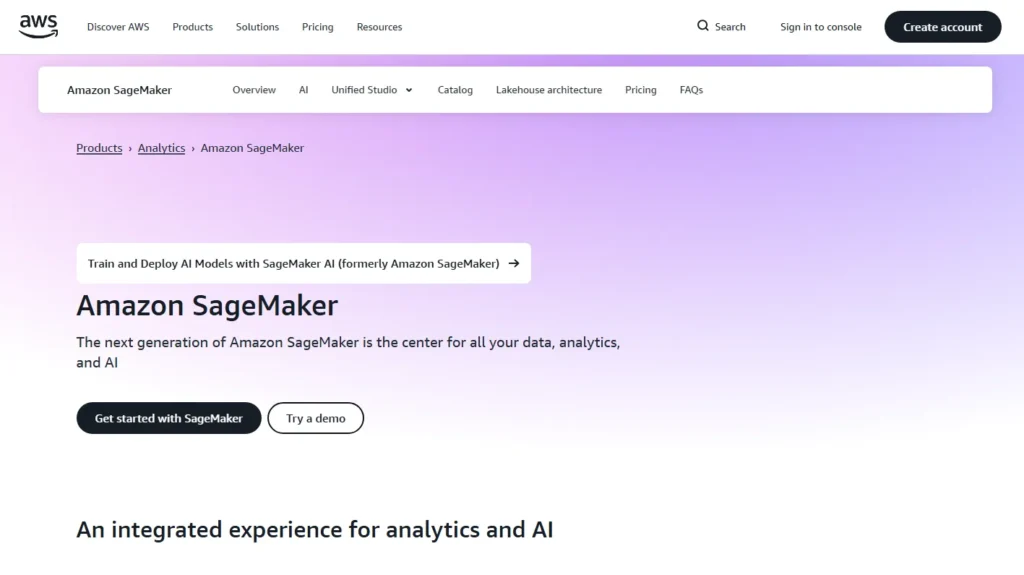
I deployed a computer vision model on SageMaker last month the experience reminded me why Amazon dominates enterprise ML everything just works, but you pay for that convenience.
My Experience:
Setting up a custom container took me about 90 minutes, mostly because I was learning their specific workflow.
Once running, the model registry, automatic scaling, and monitoring dashboards felt like having a DevOps team in a box.
I scaled from 2 to 20 instances during a spike without touching a config file.
The catch? My invoice jumped from $280 to $890 in a single month when I forgot to shut down a dev endpoint.
SageMaker makes it too easy to rack up costs if you’re not watching.
If you’re building a B2B SaaS product targeting enterprises, or you already have $10K+ in AWS credits from an accelerator, SageMaker makes sense. The compliance certifications alone save months of security questionnaires. But if you’re bootstrapped and prototyping? The complexity will slow you down.
Pricing Snapshot:
Training instances start at $0.065/hour for a basic ml.t3.medium (2 vCPU, 4GB RAM).
Real-world GPU training on an ml.p3.2xlarge (V100) runs $3.06/hour.
Inference endpoints add separate charges for hosting and per-request fees.
ReplicateBest for: Rapid experimentation and MVP deployment
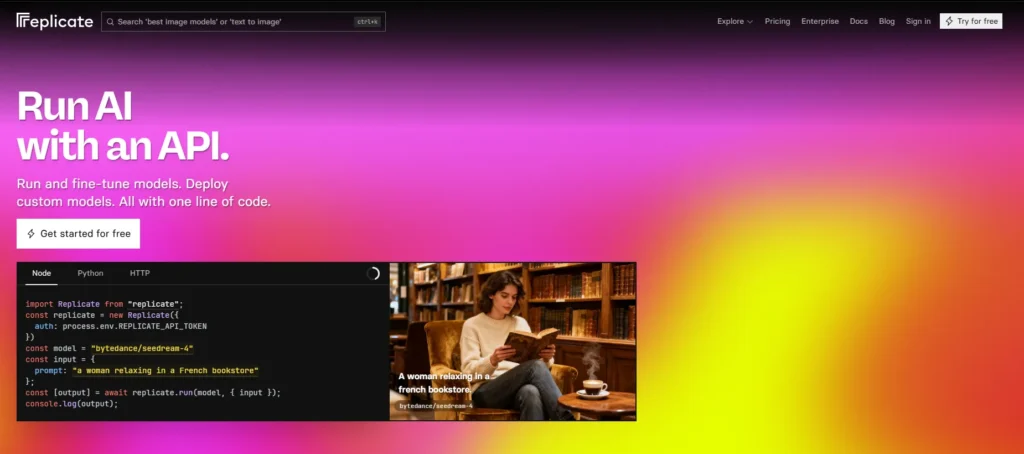
Replicate changed how I think about model deployment. Instead of wrestling with Docker containers and load balancers, I pushed a model and got an API endpoint in under 10 minutes.
My Experience:
I tested Replicate with Stable Diffusion and a custom fine-tuned LLaMA model the platform handled all infrastructure automatically cold starts, autoscaling, and even A/B testing different model versions.
For a hackathon project, I went from trained model to production API before lunch.
The developer experience is genuinely excellent their prediction logs and metrics dashboard gave me instant visibility into latency and error rates without setting up monitoring infrastructure.
You’re validating an AI product idea and need to ship fast you don’t want to become an infrastructure expert you want to focus on your model and users.
Replicate removes every barrier between “I have a working model” and “customers can use it.”Pricing Snapshot:
$0.0002/second of compute time a typical Stable Diffusion generation (4 seconds) costs $0.0008. At 10,000 images/month, you’re looking at ~$8. Scale to 100K requests and factor in model complexity costs that become non-trivial but predictable.
Lambda CloudBest for: Budget-conscious teams running sustained GPU workloads
Lambda Labs built their reputation on one thing: cheap GPUs. I was skeptical until I ran benchmarks.
My Experience:
I moved a training job from AWS to Lambda and cut costs by 60%. An A100 instance that cost me $4.10/hour on AWS ran for $1.29/hour on Lambda.
Same performance, same CUDA version, dramatically different invoice.
The UI feels bare-bones compared to hyperscalers no fancy dashboards or integrated monitoring. You’re basically renting raw GPU access. But for training runs and batch inference, that simplicity is a feature, not a bug.
Your burn rate keeps you up at night, and you have someone on the team comfortable with Linux and basic DevOps.
You’re running training jobs, fine-tuning models, or doing batch inference where a few extra minutes of setup time save hundreds monthly.
Pricing Snapshot:
A10 GPU: $0.50/hour on-demand, $0.40/hour reserved (1 year)
A100 (40GB): $1.29/hour on-demand, $1.10/hour reserved
RTX 6000 Ada: $0.70/hour on-demand
Compare that to AWS p4d.24xlarge with 8x A100s at $32.77/hour, and you see why bootstrapped teams love Lambda.
ModalBest for: Unpredictable workloads and serverless architecture fans
Modal feels like Lambda functions met GPU infrastructure and had a very productive baby.
My Experience:
I built a document analysis pipeline on Modal that processes PDFs through a vision model.
Traffic varies wildly 10 requests one hour, 1,000 the next. With traditional hosting, I’d either overprovision (wasting money) or underprovision (dropping requests).
Modal solved this perfectly. Functions spin up in seconds, process the request, and shut down. I pay for exactly the compute I use. My monthly bill fluctuates between $40 and $300 depending on usage, but there’s zero waste.
Your AI workload is bursty data processing pipelines, scheduled model retraining, background tasks you value code simplicity and don’t want to manage Kubernetes.
You’re comfortable with serverless architecture patterns.Pricing Snapshot:
$0.0001/second of compute time for CPU, with GPU time priced based on specific hardware. A T4 GPU runs approximately $0.60/hour when active. A 10-second inference job costs ~$0.0017. Process 10,000 requests monthly, and you’re under $20.
Hugging FaceBest for: Teams building on open-source models with community collaboration
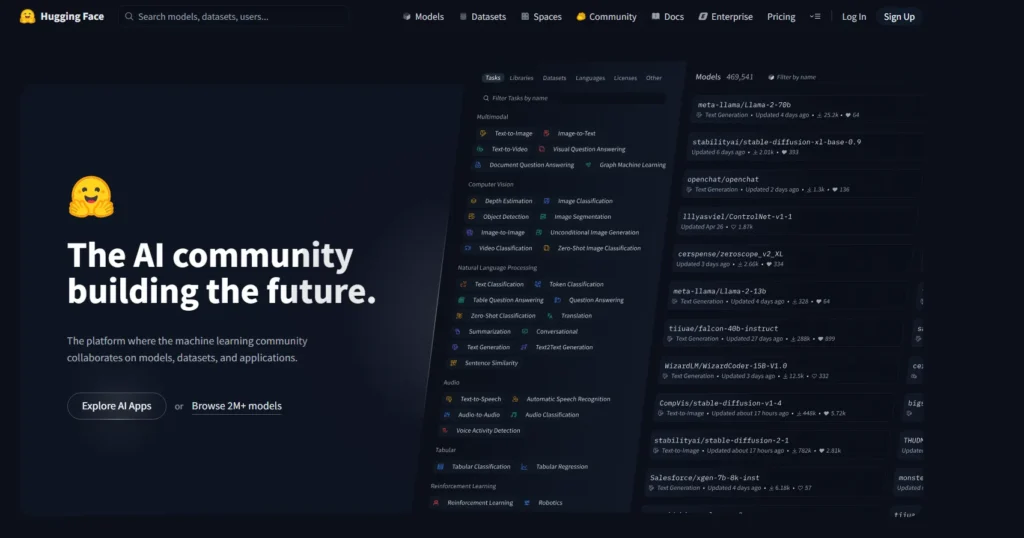
Hugging Face isn’t just hosting it’s an entire ecosystem. I use it differently than other platforms.
My Experience:
I fine-tuned a BERT model for industry-specific classification and deployed it via Hugging Face Inference Endpoints.
The integration with their model hub meant I could version models, share with collaborators, and deploy without leaving the platform.
What surprised me most? The community value. I discovered three better pre-trained models through their hub that saved me weeks of training time. The platform encourages experimentation in a way AWS simply doesn’t.
You’re building on top of existing open-source models rather than training from scratch collaboration matters you want to share models with teammates or the community. You value ecosystem and tooling over raw performance optimization.Pricing Snapshot:
Inference Endpoints start at $0.60/hour for CPU instances. GPU pricing scales with hardware a T4 runs ~$1/hour, while an A100 hits $4–6/hour depending on configuration. Enterprise plans add features like private model hosting and priority support.
RunPodBest for: Small teams maximizing every dollar
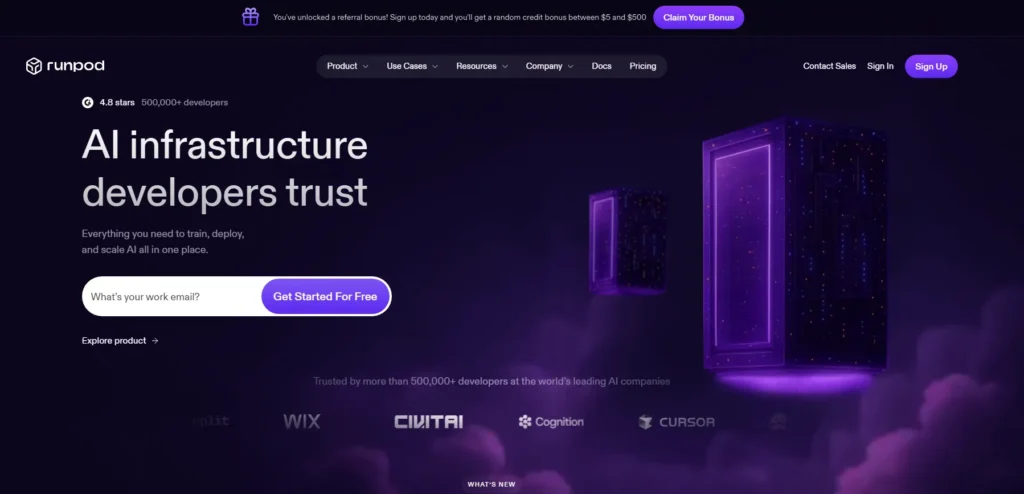
RunPod emerged as the budget alternative nobody expected to take seriously until we actually tested it.
My Experience:
I ran a serverless Whisper deployment on RunPod for transcription services. At $0.39/hour for an RTX 4090 in serverless mode, it undercut every competitor. The interface feels like someone built it for developers who hate unnecessary clicks sparse, functional, effective.
I experienced occasional availability issues with specific GPU types, and customer support took 36 hours to respond to a billing question. But for the price difference, I’m willing to work around those rough edges.
You’re running early experiments or supporting a small user base where occasional hiccups won’t tank the business. You (or someone on your team) can handle infrastructure debugging. Saving 50–70% on GPU costs matters more than guaranteed 99.9% uptime.
Pricing Snapshot:
RTX 4090 (Serverless): $0.39/hour active
RTX A6000: $0.79/hour
A100 (80GB): $1.89/hour
For context, that A100 costs $4.10/hour on AWS and $3.30/hour on GCP. The savings compound fast.
Google Cloud Vertex AIBest for: Teams leveraging AutoML and hybrid deployments
Vertex AI surprised me with how much heavy lifting it automates.
My Experience:
I used Vertex AI for a tabular prediction model where I didn’t have weeks to experiment with architectures. Their AutoML trained, tuned, and deployed a production-ready model in about 6 hours with minimal configuration.
The platform shines when you combine Google’s AI services integrating Vertex with BigQuery for data pipelines and Cloud Run for serving felt seamless. The learning curve exists, but it’s less steep than AWS.
Your team is small, and you’d rather focus on data quality than model architecture you’re already using Google Workspace or other Google services. You value having the latest Google AI research (like PaLM, Gemini) accessible via managed APIs.
Pricing Snapshot:
AutoML training costs vary by data volume expect $20–100 for typical experiments. Prediction endpoints start around $0.05/hour for basic instances.
GPU-backed endpoints (T4, V100, A100) range from $0.95 to $6/hour depending on configuration.
Azure Machine LearningBest for: Regulated industries and Microsoft-centric organizations
Azure ML feels built by people who understand enterprise IT requirements.
Possibly because it was.
My Experience:
I deployed a healthcare AI model on Azure ML specifically because the client required HIPAA compliance and audit trails.
Azure’s built-in compliance frameworks, role-based access controls, and detailed logging satisfied their security team without custom implementation.
The developer experience? Functional but bureaucratic. You trade some agility for structure which is exactly what enterprises want and startups usually don’t.
You’re selling to enterprises, especially in healthcare, finance, or government your customers ask about compliance during sales calls.
Your team already uses Microsoft tools. You value stability and support over cutting-edge features.
Pricing Snapshot:
Standard_DS2_v2 (general compute): ~$0.10/hour
NC6 (K80 GPU): ~$0.90/hour
NC6s_v3 (V100 GPU): ~$3.06/hour
Enterprise agreements can significantly reduce costs, but negotiating those takes time and scale.
Fireworks AIBest for: Production LLM serving at scale
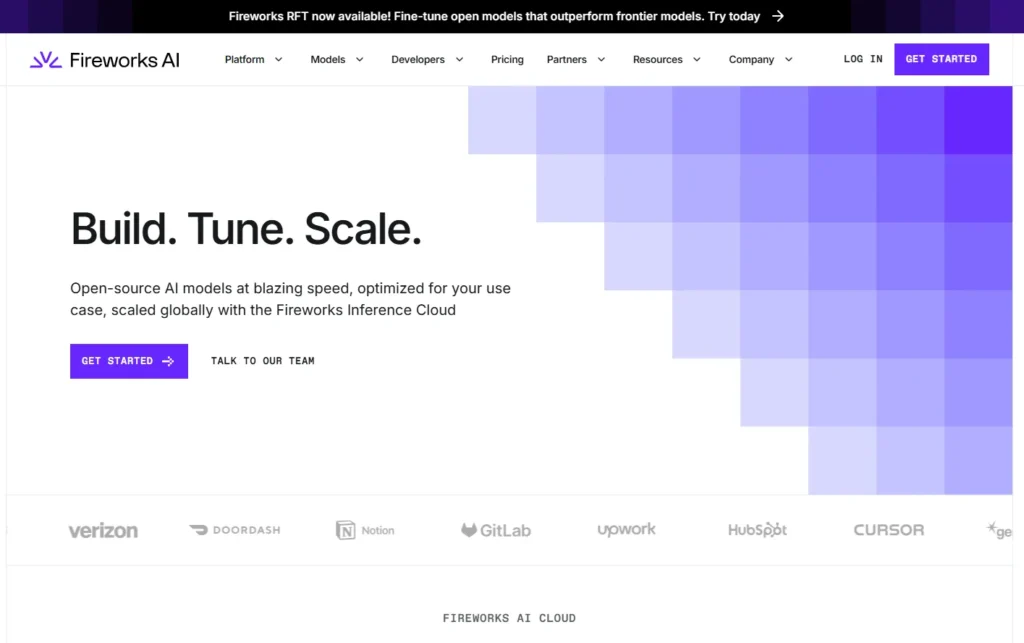
Fireworks built their platform around one obsession: making LLM inference fast and cheap.
My Experience:
I tested their API with LLaMA 2 70B and was genuinely impressed by latency sub-second responses for queries that took 2–3 seconds on Replicate. They’ve optimized every layer of the stack specifically for transformer inference.
The platform works best when you’re serving established open-source models at high volume. Custom model support exists but feels like a secondary concern.
You’re building a production application around LLMs chatbots, text generation, semantic search latency directly impacts user experience.
You’re ready to commit to specific models rather than constantly experimenting.
Pricing Snapshot:
LLaMA 2 70B: ~$0.90 per million tokens
Mixtral 8x7B: ~$0.50 per million tokens
Compare to OpenAI GPT-4 at $30 per million tokens, and the cost advantage for open models becomes clear.
Paperspace (DigitalOcean)Best for: Teams wanting simplicity without sacrificing capability
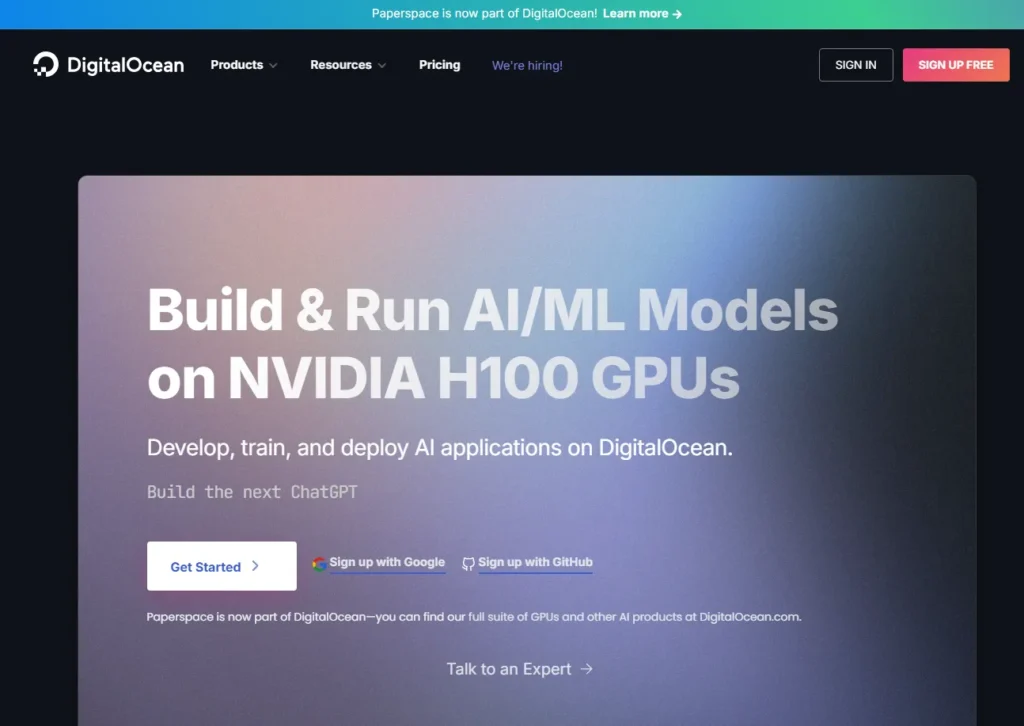
Paperspace got acquired by DigitalOcean, and it shows the platform balances power with usability better than most.
My Experience:
I used Paperspace Gradient for a multi-week training project the Jupyter notebook integration, experiment tracking, and workflow automation felt purpose-built for ML teams. Not as bare-bones as Lambda, not as overwhelming as SageMaker.
The pricing shocked me in a good way. Mid-tier GPUs cost significantly less than hyperscalers while maintaining solid reliability.
You want a managed experience without AWS-level complexity your team includes ML engineers who aren’t infrastructure experts.
You value developer experience and reasonable pricing over absolute lowest cost or maximum features.
Pricing Snapshot:
P5000 (16GB): ~$0.51/hour
RTX4000 (8GB): ~$0.35/hour
V100 (16GB): ~$1.10/hour
Notebooks and workflow features included without separate charges.
The Money Section Real ROI Calculations
Let’s talk actual numbers.
Here’s what I spent across platforms for similar workloads:
Training a mid-size model (100 GPU hours on A100-equivalent):
- AWS: $410
- Lambda: $129
- RunPod: $189
- Azure: $395
Hosting inference API (100K requests/month, avg 2s compute/request):
- Replicate: ~$40
- Modal: ~$56
- AWS SageMaker: ~$120 (plus endpoint hosting)
- Hugging Face: ~$85
The hidden costs nobody tells you about:
Data egress. That $200 AWS bill becomes $340 when you factor in 500GB of data transfer. Lambda and smaller providers often don’t charge egress within reason.
Idle time. Forgot to shut down a development endpoint? AWS charges you for 720 hours monthly. Serverless platforms like Modal charge zero.
Engineering time. Lambda saves 60% on GPU costs but costs you 10 extra hours monthly in DevOps work. At $150/hour engineering cost, you’ve erased the savings.
ROI framework:
Calculate your loaded cost: (Infrastructure cost) + (Engineering hours × hourly rate) + (opportunity cost of delayed shipping)
For a 2-person startup, Modal’s higher per-unit costs often win because you ship 2x faster.
For a 10-person team, Lambda’s DevOps overhead gets amortized across more engineers.
For enterprise sales: Azure’s compliance premium pays for itself in closed deals.
Security & Compliance What Actually Matters
If you’re in healthcare, finance, or handling EU customer data, these platforms meet serious compliance requirements:
HIPAA-ready:
- AWS SageMaker (with BAA)
- Azure ML
- Google Vertex AI (with BAA)
GDPR-compliant:
- All major platforms support GDPR, but Azure and Google offer EU-specific regions and data residency guarantees
- Scaleway (EU-based) provides strongest data sovereignty story
SOC 2 Type II:
- AWS, Azure, GCP (obviously)
- Hugging Face Enterprise
- Replicate (recently certified)
Reality check: Compliance isn’t just about the platform it’s about your implementation. I’ve seen startups fail audits on AWS and pass on smaller providers because they understood their security model.
The question isn’t “Is this platform compliant?” It’s “Can I implement compliance on this platform with my team’s capabilities?”
This confused me for months until I built this mental model:
Choose serverless (Modal, Replicate, serverless RunPod) when:
- Traffic is unpredictable or bursty
- You’re early-stage and avoiding fixed costs
- Your team is small (<5 people)
- Occasional cold starts are acceptable
Choose dedicated GPU VMs (Lambda, AWS, RunPod persistent) when:
- You need consistent low-latency (<100ms)
- Running 24/7 workloads makes reserved instances cheaper
- You have specific infrastructure requirements
- Your DevOps skills are strong
The hybrid approach (what I actually use):
Development and experimentation: Serverless (Modal)
Production inference: Dedicated instances (Lambda reserved)
Batch processing: Spot instances (AWS)
This combination cuts costs 40% compared to all-dedicated while maintaining performance.
5 Platforms I Didn’t List (And Why)
Oracle OCI: Competitive pricing and strong bare-metal options, but documentation is frustrating and startup adoption remains low. Consider if you’re already in Oracle ecosystem.
IBM watsonx: Solid compliance story for enterprises, but overkill for startups. Better suited for Fortune 500 companies with existing IBM relationships.
DigitalOcean Droplets: Great for basic web apps, underpowered for serious ML workloads. Their GPUs are coming but not ready for production AI yet.
Vultr Cloud GPU: Decent pricing, but availability issues and limited support make it hard to recommend over Lambda or RunPod.
Scaleway AI: Interesting for EU data residency requirements, but smaller ecosystem and fewer GPU options limit appeal.
How to Choose: Your Decision Tree
Start here: What’s your monthly GPU budget?
Under $500/month:
- Prototyping → Replicate or Modal
- Sustained training → Lambda or RunPod
- Managed simplicity → Hugging Face
$500–$2,000/month:
- Production inference → Fireworks or Replicate
- Training + inference → Lambda + Modal hybrid
- Need compliance → Azure ML or AWS SageMaker
$2,000+/month:
- Enterprise customers → AWS SageMaker or Azure ML
- High-scale inference → Google Vertex AI or Fireworks
- Full ML platform → AWS ecosystem with reserved instances
But also ask:
What’s my team’s infrastructure skill level?
Low → Replicate, Hugging Face, Modal
Medium → Paperspace, Google Vertex AI
High → Lambda, AWS, build custom
How critical is latency?
<100ms required → Dedicated instances
<1s acceptable → Serverless fine
Batch/async → Serverless optimal
Are you selling to enterprises?
Yes → Azure or AWS for compliance
No → Optimize for cost and speed
My Recommendations by Stage
Pre-seed / Idea validation:
Winner: Replicate + Modal
Ship fast, pay only for what you use, avoid infrastructure rabbit holes. Switch later if you hit scale.
Seed / Building MVP:
Winner: Lambda (training) + Hugging Face (inference)
Balance cost optimization with reasonable managed services. Your engineering time matters more than absolute lowest prices.
Series A / Scaling:
Winner: AWS SageMaker or Google Vertex AI
You need monitoring, compliance, and reliability. The premium pays off in prevented outages and enterprise sales.
Enterprise-focused from day one:
Winner: Azure ML or AWS SageMaker
Security questionnaires will kill more deals than your pricing. Start compliant.
My personal stack in 2026:
- Training: Lambda reserved instances
- Development: Modal serverless
- Production inference: Fireworks (LLMs) + AWS SageMaker (custom models)
- Experimentation: Hugging Face
Total monthly cost: $800–1,200 depending on usage. This hybrid approach would cost $2,500+ on pure AWS.
Managed GPU Cloud Hosting conclusion
Here’s the truth: in your first six months, your infrastructure choice barely matters your model quality, product-market fit, and go-to-market execution matter infinitely more.
But there’s a moment usually when you’re scaling from hundreds to thousands of users, or closing your first enterprise deal where infrastructure suddenly becomes critical.
The difference between a platform that scales smoothly and one that melts down can determine your company’s survival.
My advice? Start simple. Pick Replicate or Modal, ship your MVP, and validate your idea. When you hit consistent usage and revenue, then optimize your infrastructure based on actual data about your usage patterns.
The best platform is the one that lets you focus on your product instead of fighting Docker configurations at 2 AM.
Managed GPU Cloud Hosting F&Q
What is the best AI hosting platform for early-stage startups?
For most early-stage startups, Replicate or Modal offers the best balance they eliminate infrastructure management, charge only for actual usage, and let you ship products in days instead of weeks.
If you need lower costs and have DevOps skills, Lambda Cloud provides excellent value.
Which AI hosting providers offer free tiers or credits for startups?
AWS, Google Cloud, and Azure offer substantial startup credits ($5,000–$100,000) through accelerator programs like AWS Activate, Google for Startups, and Microsoft for Startups.
Hugging Face provides free CPU-based inference endpoints most platforms offer time-limited free trials, but sustained free tiers for GPU workloads don’t exist.
How do I choose between AWS, Azure, and Google Cloud for my AI startup?
Choose AWS if you want the broadest feature set and largest community choose Azure if you’re targeting enterprise customers requiring compliance or already use Microsoft tools.
Choose Google if you value AutoML capabilities and cutting-edge AI research integration. For most startups, AWS offers the safest bet due to superior documentation and third-party ecosystem.
What is the cheapest way to host GPU workloads for an AI startup?
Lambda Cloud offers the lowest raw GPU prices ($0.50/hour for A10, $1.29/hour for A100).
RunPod provides competitive serverless GPU options. However, “cheapest” depends on your usage pattern serverless platforms like Modal can be more cost-effective for intermittent workloads despite higher per-hour rates.
Can I host large language models (LLMs) without managing my own infrastructure?
Yes.
Replicate, Hugging Face Inference Endpoints, Fireworks AI, and cloud-managed services like AWS Bedrock handle infrastructure completely.
You deploy your model, and they manage scaling, updates, and optimization.
This approach works well until you reach massive scale where custom infrastructure becomes cost-effective.
Which platforms make it easiest to deploy and scale AI APIs in production?
Replicate wins for pure simplicity deploy a model and get an API in minutes modal excels for Python-based workflows with automatic scaling.
For enterprise requirements, AWS SageMaker and Google Vertex AI provide robust production deployment with comprehensive monitoring and governance.
What specs (GPU, RAM, storage) does an AI startup typically need at MVP stage?
For inference APIs: Single T4 or RTX 4000 (8–16GB VRAM), 16–32GB system RAM, 50–100GB storage.
For model training: A10 or V100 (24GB+ VRAM), 64GB+ RAM, 500GB–1TB storage.
For LLM serving: A100 (40–80GB VRAM) for models above 13B parameters.
Start small and scale based on actual usage rather than projected needs.
How do AI-specific hosts like Hugging Face or Replicate compare to generic cloud providers?
AI-specific platforms trade flexibility for simplicity they handle infrastructure details, optimize for ML workloads, and provide better developer experience for standard use cases.
Generic clouds (AWS, GCP, Azure) offer more customization, broader service integration, and better economics at large scale, but require more technical expertise.
How can an AI startup optimize cloud costs while keeping good performance?
Use reserved instances for predictable workloads (30–60% savings) implement autoscaling to avoid idle resources.
Choose serverless for sporadic tasks. Monitor and shut down unused development instances. Use spot instances for training jobs.
Separate training (use cheap GPUs) from inference (optimize for latency). Track costs weekly and set billing alerts.
Which AI hosting platforms are best for regulated industries (HIPAA, GDPR)?
AWS SageMaker, Azure ML, and Google Vertex AI offer comprehensive compliance certifications. Azure particularly excels in healthcare due to strong HIPAA support and audit tools.
For EU data residency, Google and Azure provide robust EU-specific regions.
Smaller providers like Hugging Face Enterprise also support compliance but with less track record.
Should an AI startup use managed platforms (SageMaker, Vertex AI, Bedrock) or raw GPU VMs?
Use managed platforms when you need compliance, have limited DevOps resources, or require integrated ML workflows.
Use raw GPU VMs when you have infrastructure expertise, need maximum cost optimization, or have specialized requirements.
Most startups benefit from managed platforms early, then selectively adopt raw infrastructure as they scale.
What are the main security and compliance considerations for AI hosting?
Data encryption (in transit and at rest), access controls and authentication, audit logging, data residency requirements, model IP protection, compliance certifications (HIPAA, SOC 2, GDPR), secure API endpoints, and backup/disaster recovery.
For B2B startups, customer security questionnaires often dictate platform choice more than technical factors.
How do serverless AI/LLM platforms compare to dedicated GPU servers for startups?
Serverless platforms (Modal, Replicate) eliminate idle costs, scale automatically, and simplify operations but introduce cold start latency and less control.
Dedicated servers (Lambda, AWS) provide consistent performance, better cost per hour for sustained usage, and more customization but require infrastructure management and pay for